utt
Hold a key. Speak. Text at your cursor.
What's new utt 2.3.0 14 October 2026
- 2.3.0Three new Parakeet models, rated side by side.
- 2.2.0Text reaches your cursor sooner.
- 2.1.0Preview English words while you speak.

01
Speak where you type
Write emails, notes, and messages with your voice. Keep using your usual apps.
02
Transcribed on your Mac
utt transcribes speech on your Mac, even offline. Anonymous usage counts are off by default and never include your words or audio.
03
See words as you speak
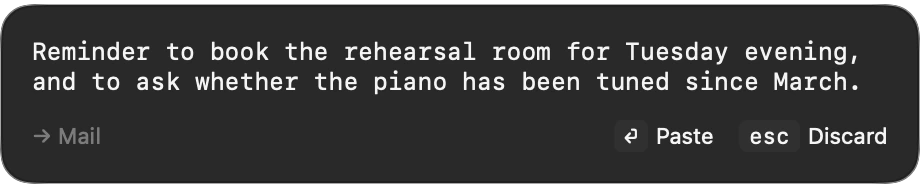
Turn on the live preview to see English words as you speak. The full model produces the final transcript when you release the key.
04
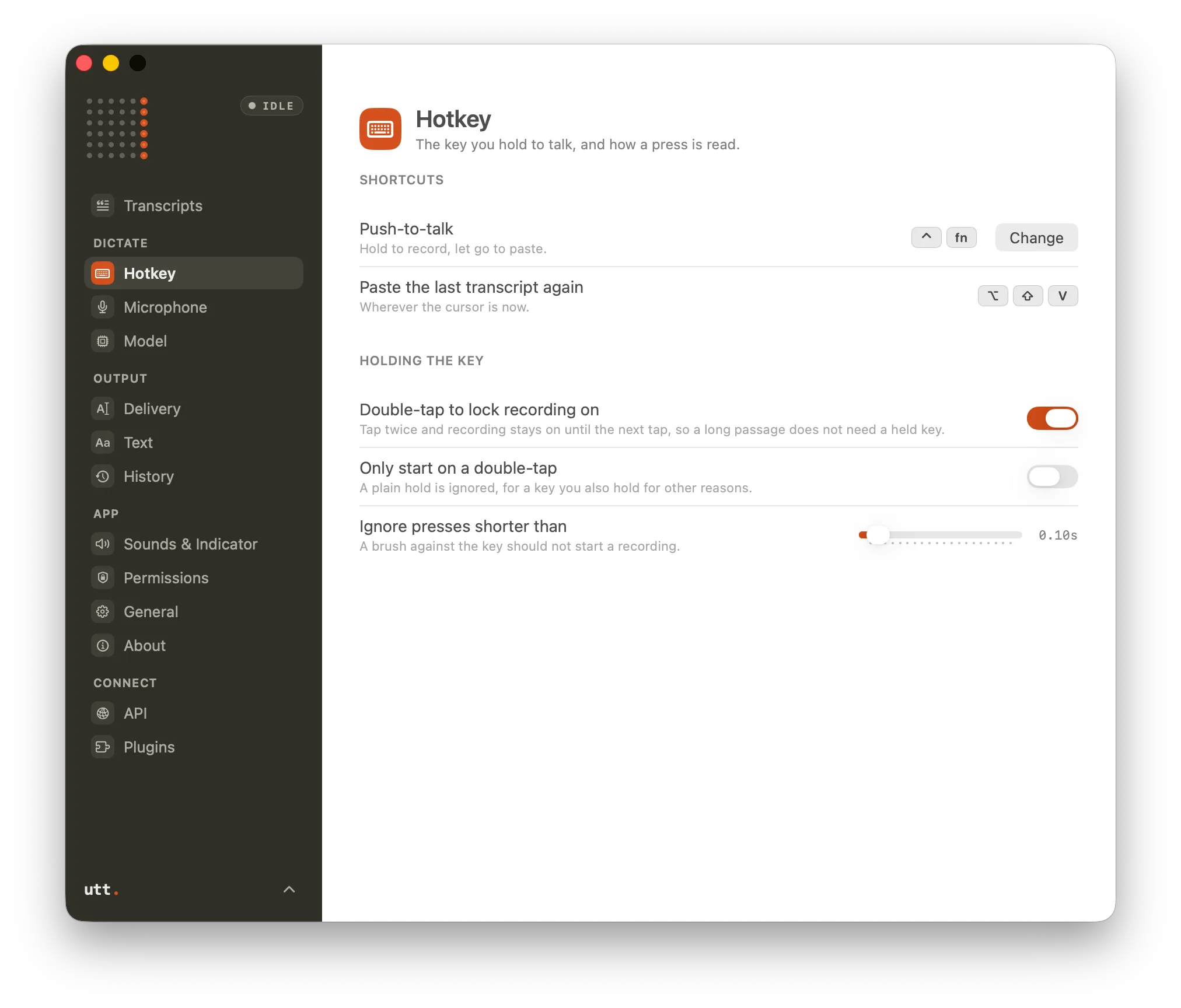
Release to paste
Let go of the key and utt pastes the text at your cursor.
05
Clean up false starts
Turn on cleanup to remove filler and false starts on your Mac. utt pastes the original transcript if the model does more than delete words or change punctuation.
06
Choose your speech model
Compare Parakeet and Whisper models by speed, accuracy, languages, and size. Download the one you want and remove unused models from the same page.
07
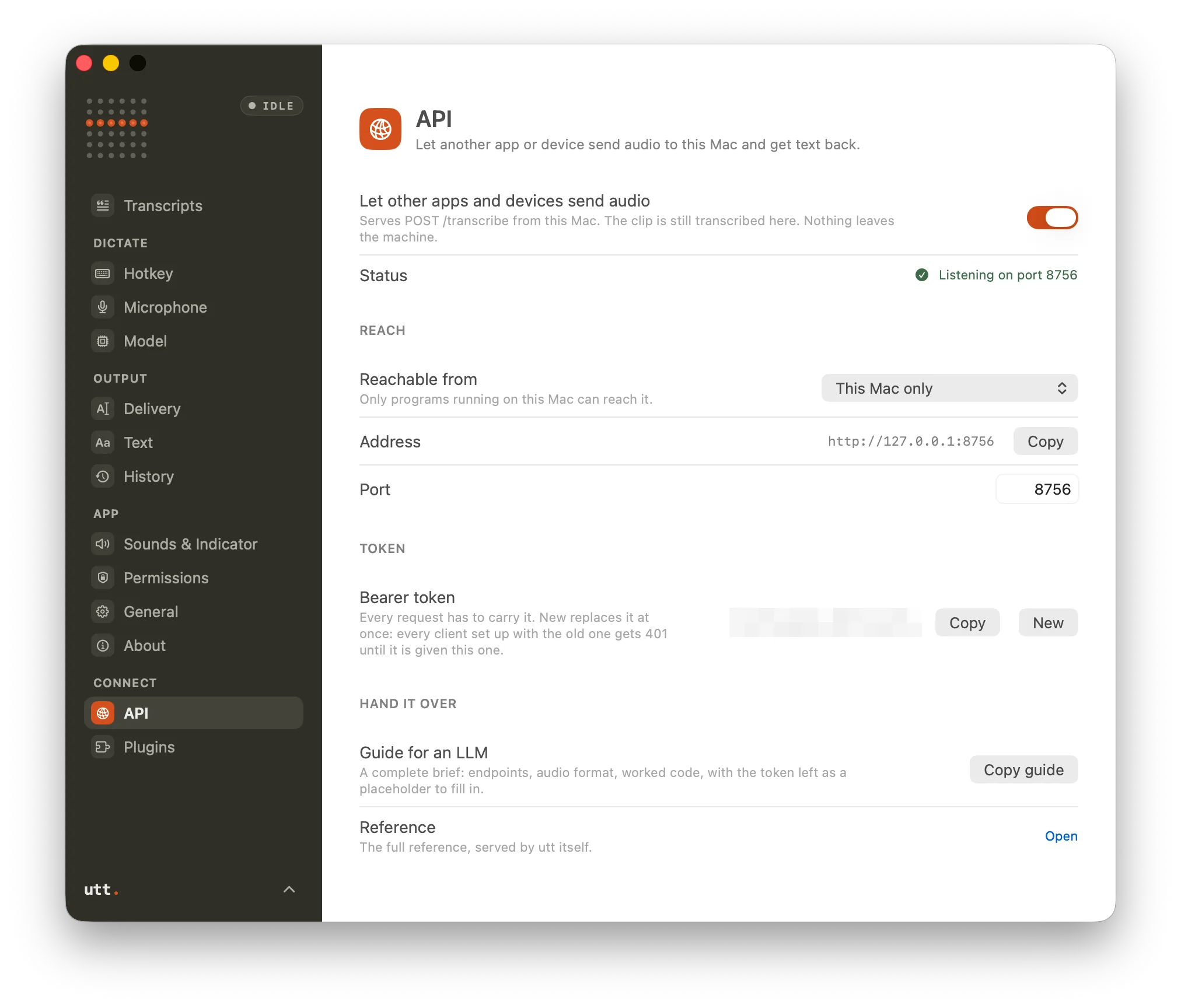
Transcribe audio through the API
Send audio from your phone, a script, or another app through the API. utt transcribes it on your Mac and returns the text.
08
Connect your own tools
Extensions let other programs send audio, receive transcripts, or change text before it is pasted. You approve each new extension before utt shares anything with it.
Download utt from GitHub.
Latest releaseOpen this page on your Mac to download utt.